Switch between teams
If you're on more than one team — your own product team, a client's team you've been invited to, a team for a side project — switching between them is a one-click action. Your session and sign-in stay the same; only the data you're looking at changes.
1. Open your dashboard
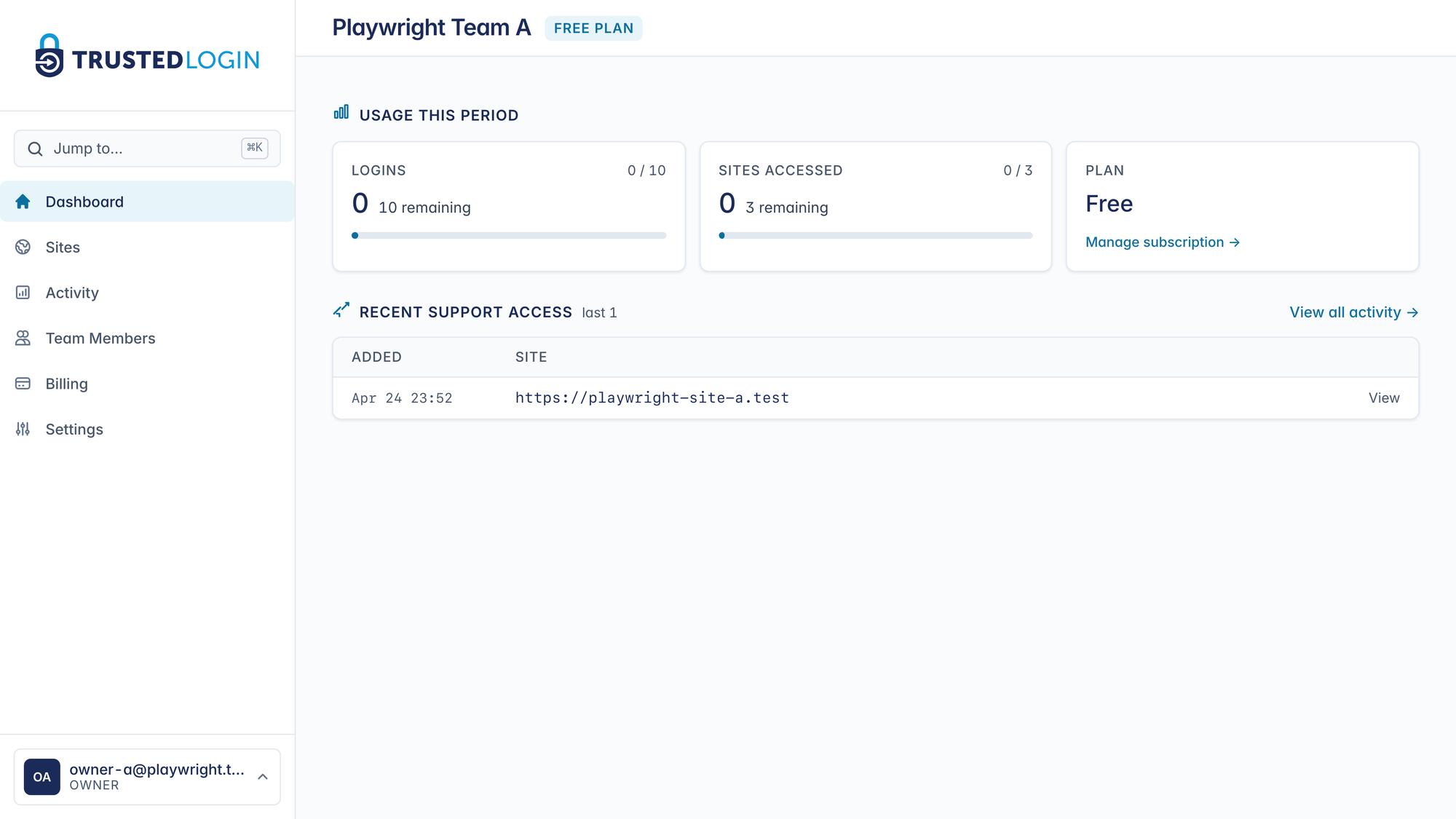
Your dashboard opens on whichever team you were last on. The team name shows in the header, and your email with your role on that team sits at the bottom-left of the sidebar. That bottom-left chip is the account pill — it's the entry point to team switching.
2. Open the team switcher
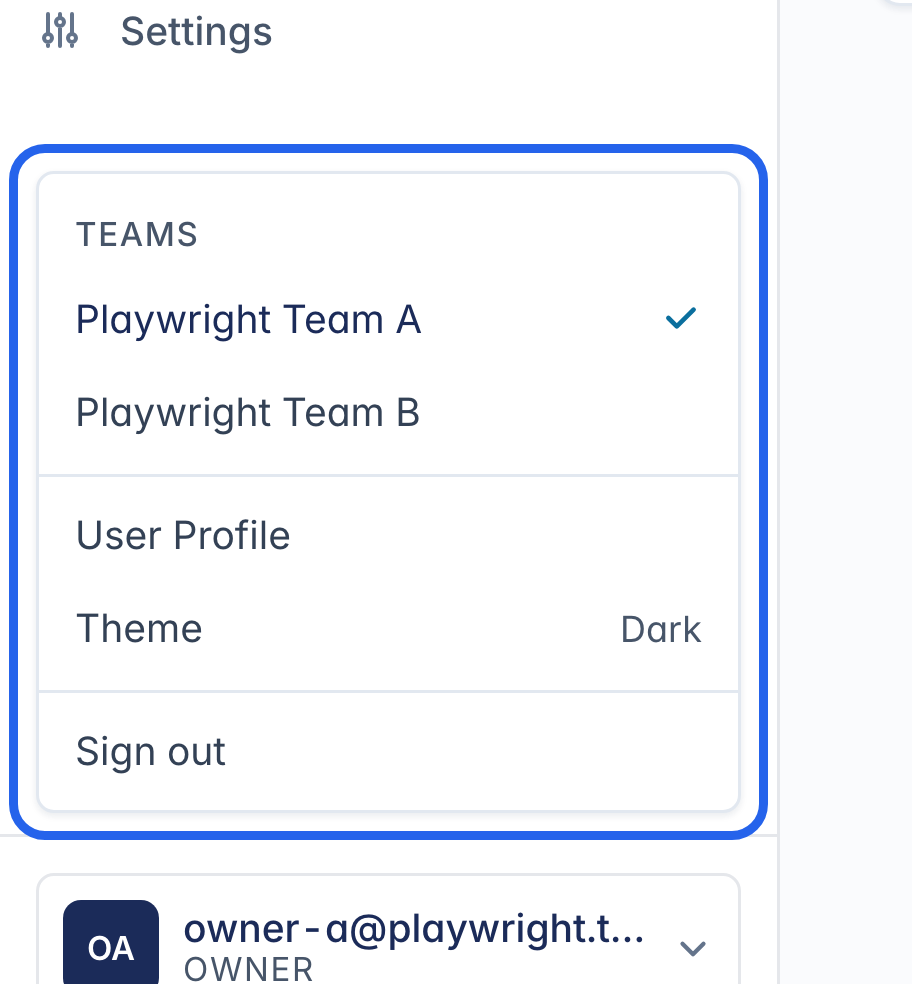
Clicking the pill expands it into the TEAMS list — every team you're a member of, with your current team checked. The menu also has your profile link, theme toggle, and sign-out.
3. Click the team you want
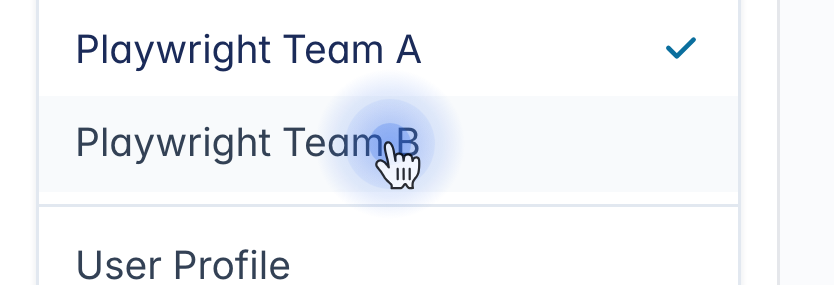
Click the team you want to switch to. There's no confirm dialog — the app switches you in and reloads the dashboard on the new team.
4. You're now on the new team
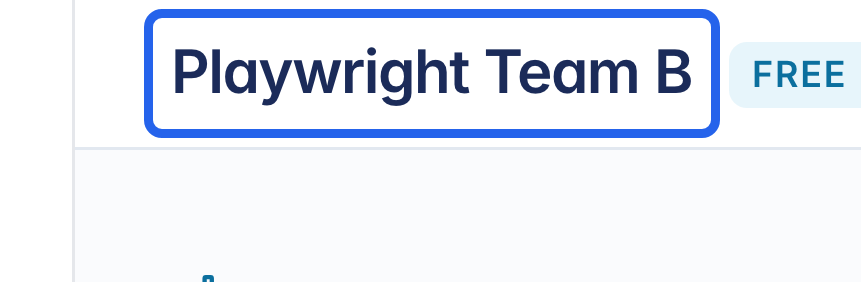
The dashboard reloads on the team you picked. The team name in the header is the fastest confirmation. The sidebar also updates to reflect what you can do here — regular members won't see Billing or Team Settings — and the account pill in the bottom-left shows your role on this team (owner, admin, or member).
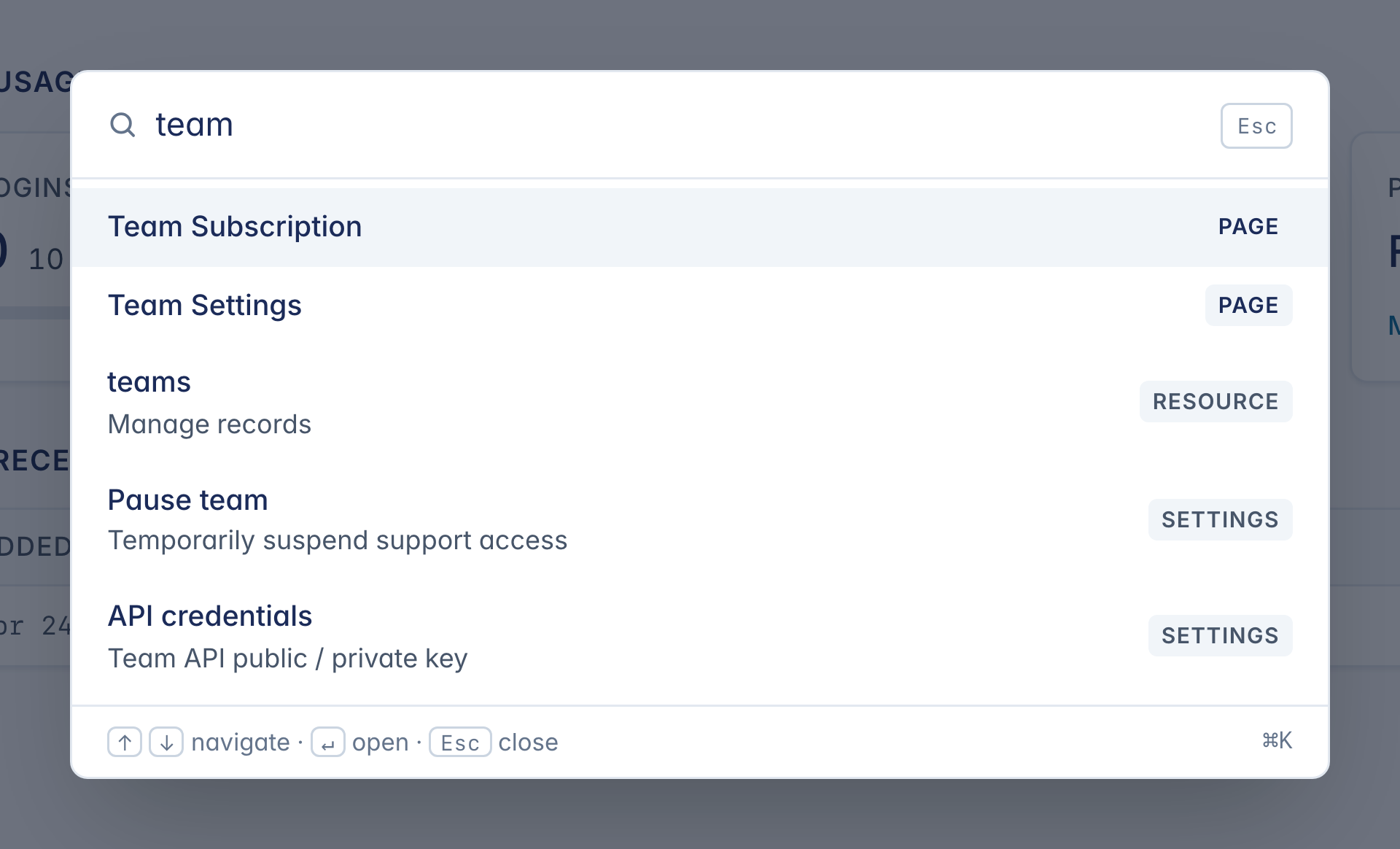
5. Or press ⌘K to jump
For the keyboard-first folks: press ⌘K (Ctrl+K on Windows/Linux) from anywhere to open the command palette. Start typing and the palette filters live — pages, settings, your teams, and (for super-admins) customer teams all appear in one list. Pick an entry and press Enter to jump.
When to create a second team
Most TrustedLogin accounts only need one team — one product, one set of customer sites, one support flow. Create a second team if you:
- Support two separate products with different branding. Each team has its own name, REST endpoint, and plan, so a customer granting access sees the right name.
- Run a client services business where each client gets their own team name and branding. Each client team can have its own billing — useful if clients pay their own subscription costs.
- Want separation of duties between a staging and production support operation, though most teams just use different Connector installs for that.