Invite a teammate
Bringing someone new onto your team — a new hire, a contractor, a co-founder — takes two clicks from your side and a click from theirs.
1. Open Team members
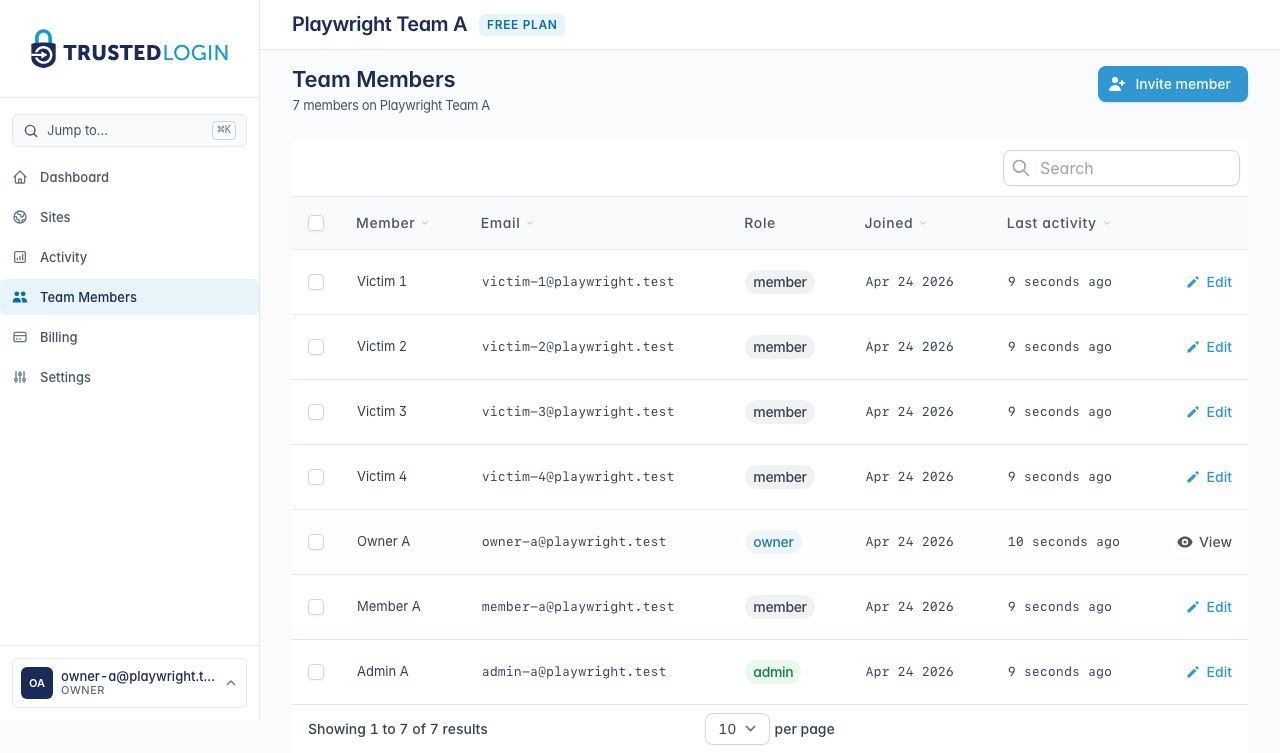
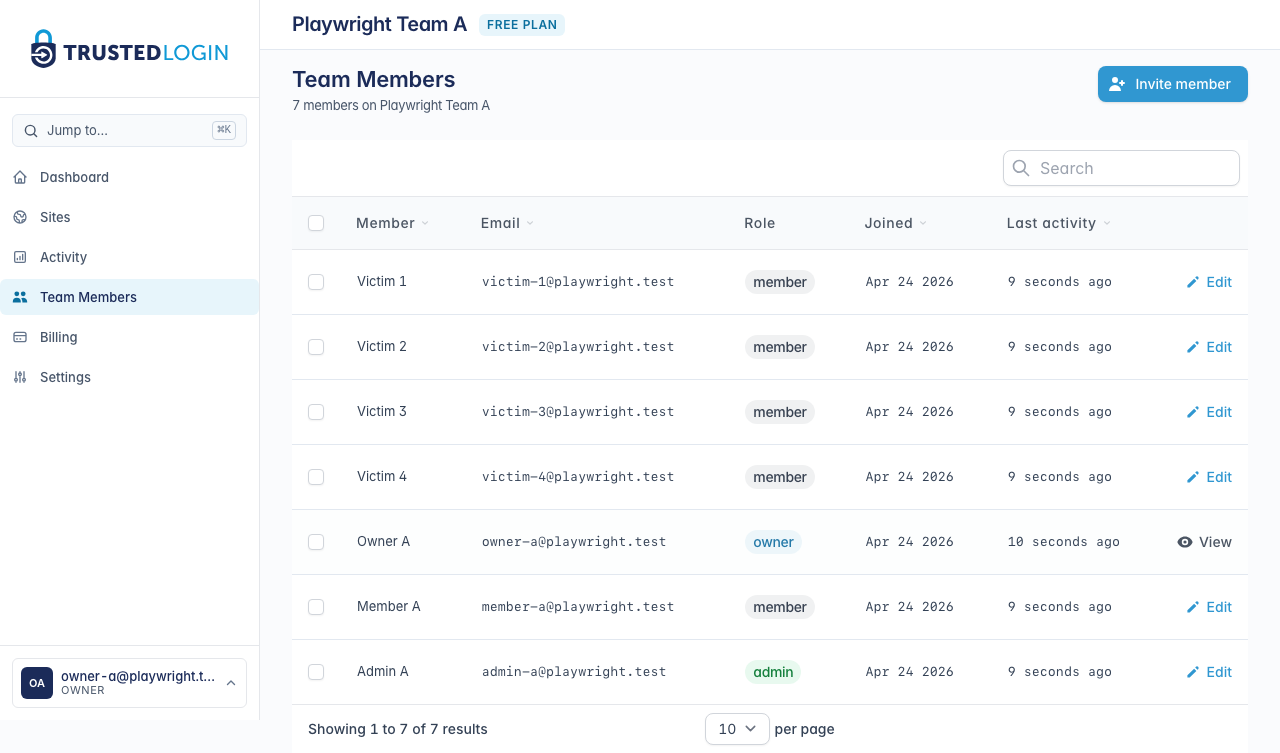
Every teammate with access to your TrustedLogin team shows up here — name, email, role, and when they last signed in. Owners and admins can invite new teammates; regular members can't.
2. Review pending invitations
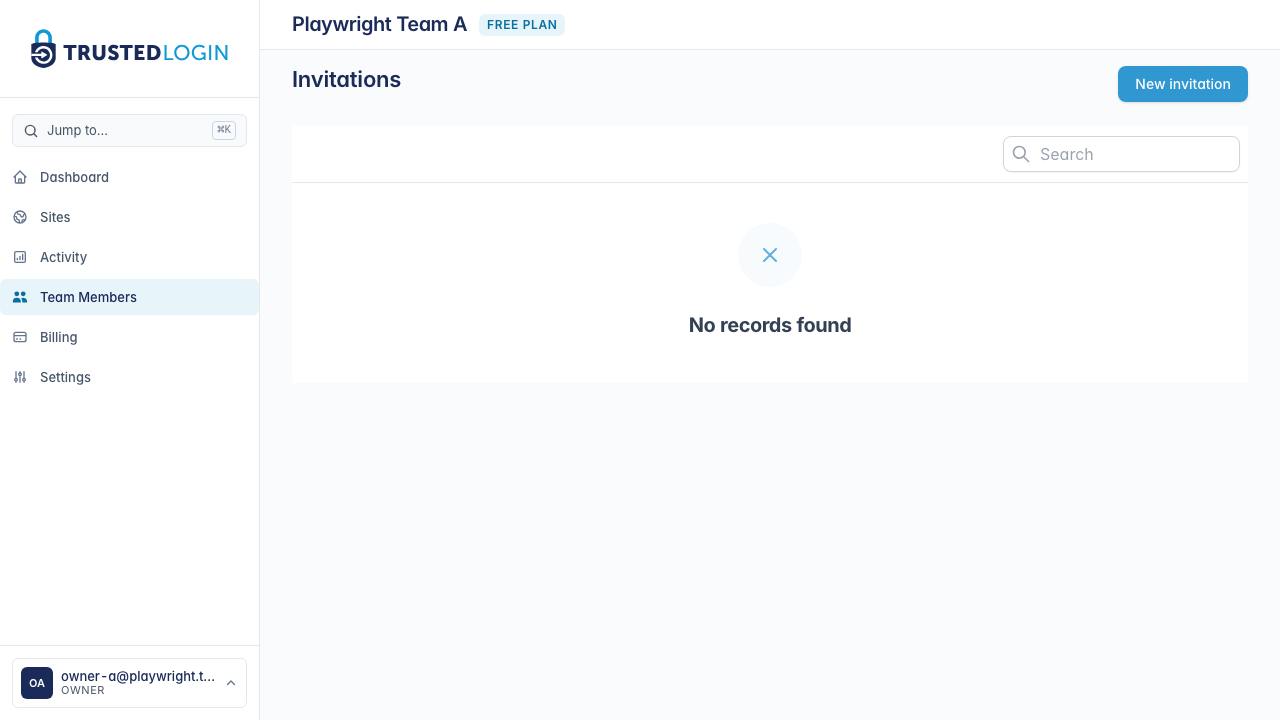
The Invitations page shows everyone who has been invited but hasn't accepted yet. If a teammate says they never got the invite email, check here first — you can resend the same invite or revoke it and start over.
Click New invitation to invite someone new.
3. Fill in the invitation
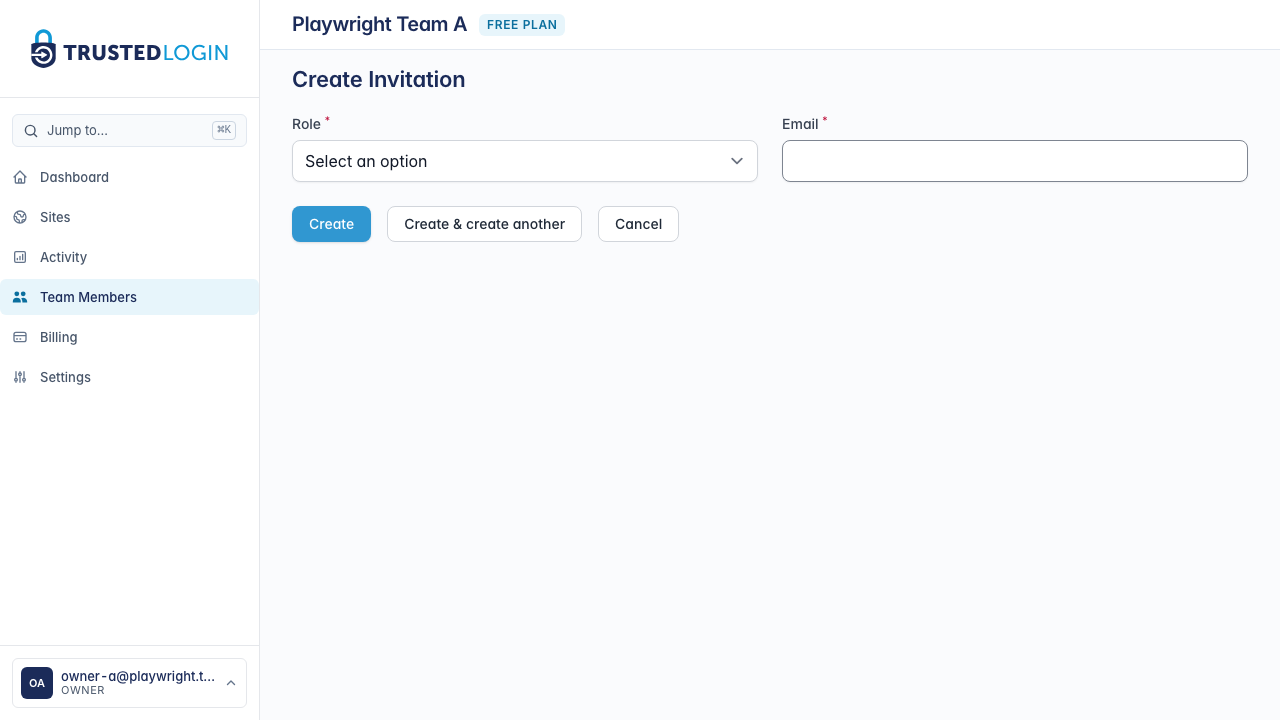
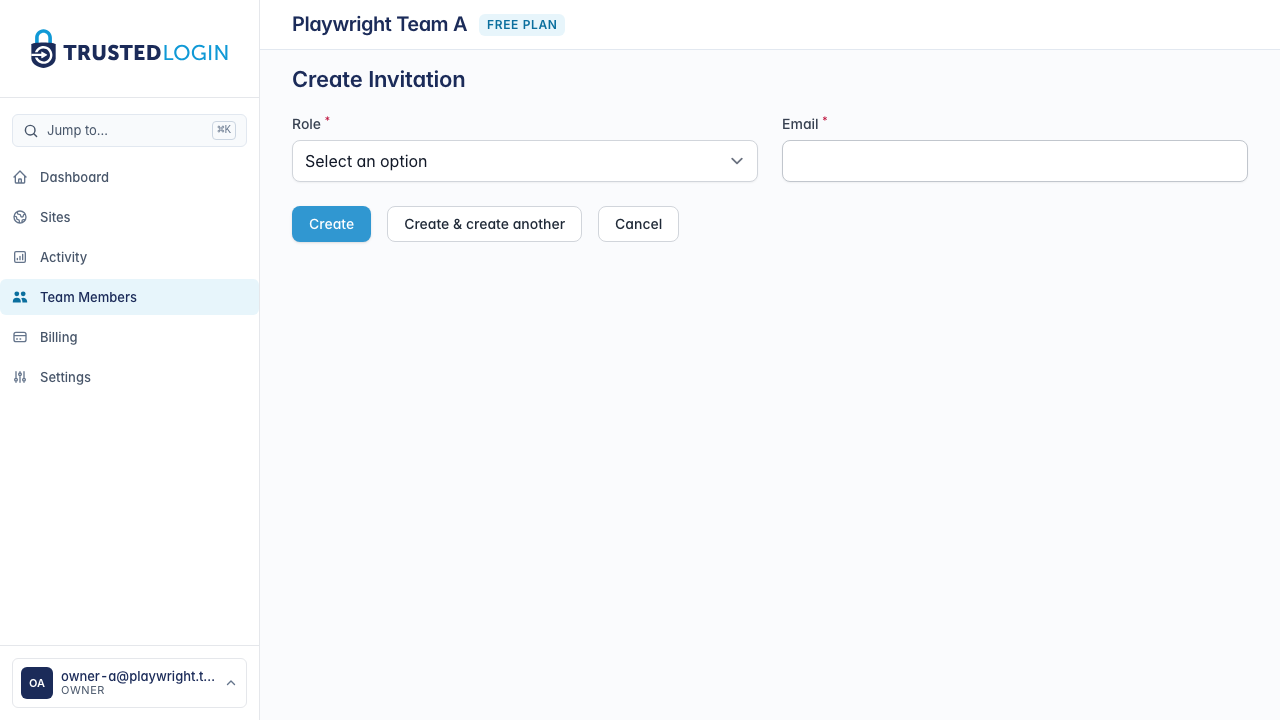
Enter the email address you want to invite. Pick a role:
- Member — can log into customer sites and see activity. Typical for support staff.
- Admin — everything a member can do, plus invite additional teammates and change team settings. Typical for a support lead.
- Owner — full control, including billing and team deletion. You can have more than one owner.
Click Send invitation when you're ready. TrustedLogin emails the address with a secure link to accept.
4. Your teammate accepts the invitation
Your teammate gets an email with a Join team button. Clicking it takes them to TrustedLogin — if they don't have an account yet, they can create one on the spot; if they do, they just sign in and the team appears in their account.
Invitations expire after 7 days. If your teammate doesn't get to it in time, you can resend from the Invitations page without having to re-enter their details.
5. Change a teammate's role or remove them
Back on Team members, clicking a teammate's row opens their details. Change their role with the Role dropdown and save. If someone's leaving the team, scroll to the Danger zone and click Remove from team — their access is revoked immediately and they can't log into any customer sites through your team.
Removing a teammate does not delete their TrustedLogin account — they can still use TrustedLogin on any other team they're on.
Who can invite new teammates
Team owners and admins can invite. Regular members can't — the Invite option won't show up in their sidebar.
If the invite email doesn't arrive
Email deliverability is the single most common issue here. Check:
- Spam / promotions folders. TrustedLogin invites come from a
trustedlogin.comaddress but spam filters can still flag them. - The Invitations page. Is the invite still listed as Pending? If yes, TrustedLogin sent it — the issue is on the receiving mailbox. Resend from there.
- Typos in the email address. Revoke the bad invite and start over with the correct address.