Buy credits
One-time credit purchases — useful when a specific week needs extra headroom and you don't want to commit to a recurring top-up.
1. Open your Billing page
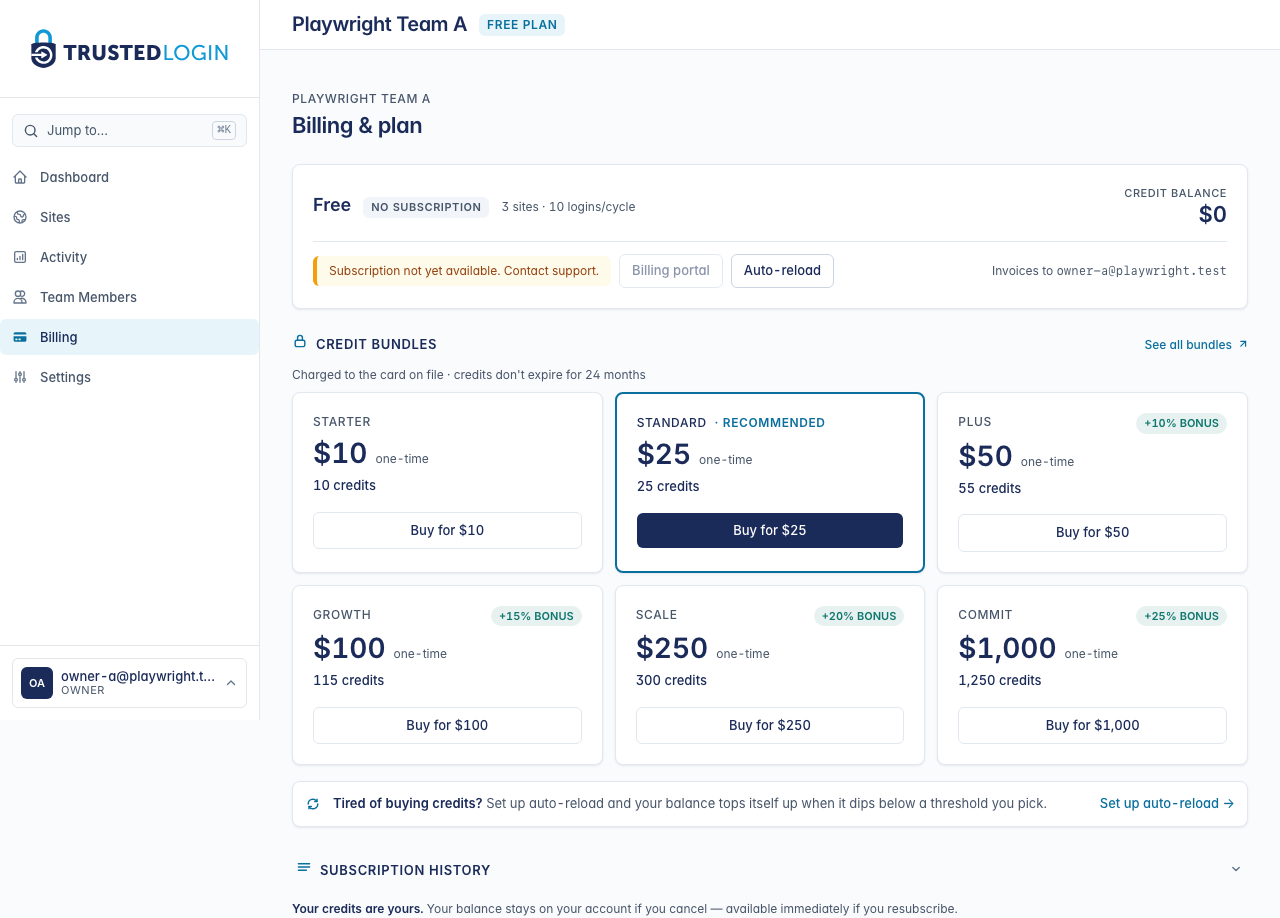
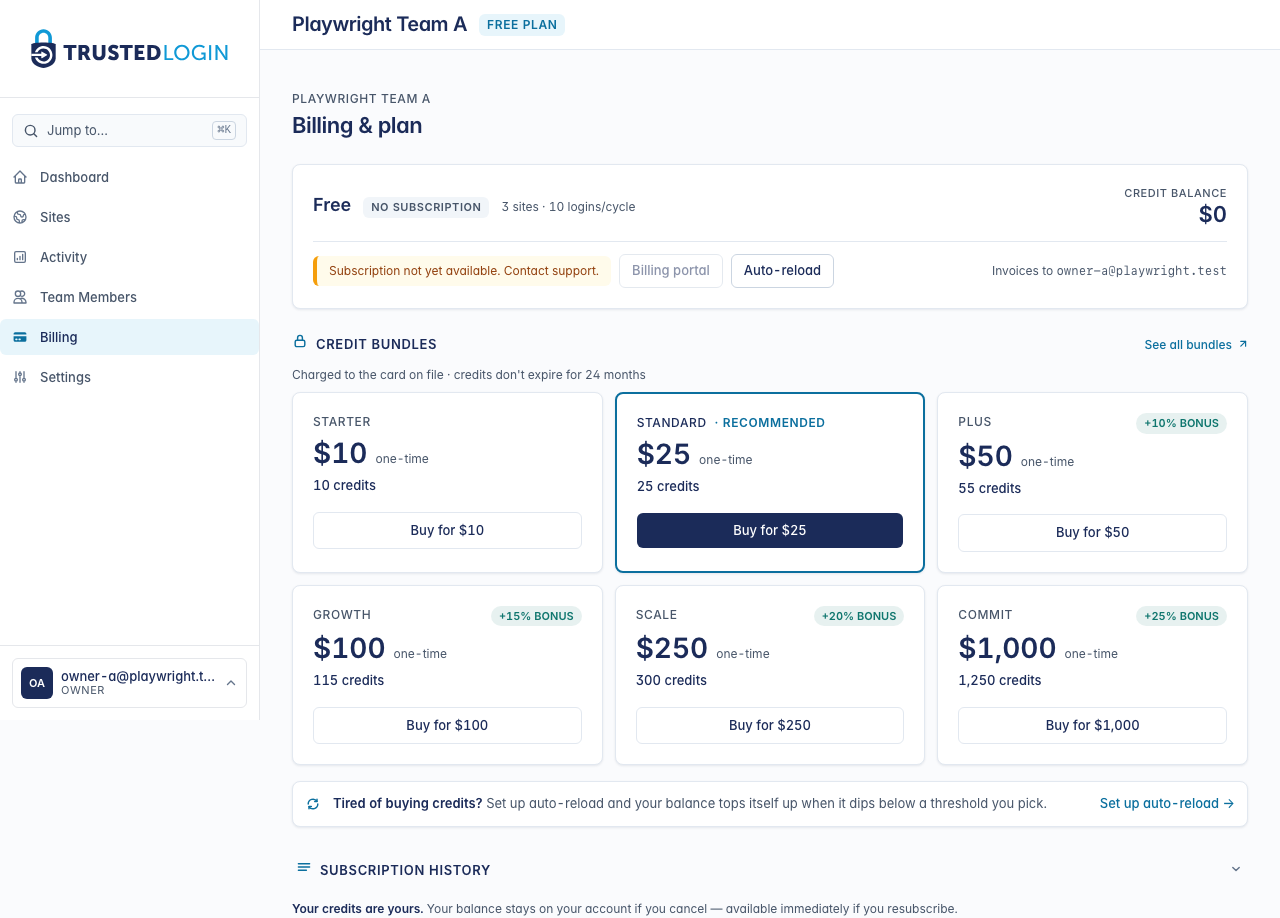
Click Billing in the sidebar. Your current credit balance shows at the top of the page; the bundle grid sits below the plan card.
2. Pick a bundle
There are six bundle sizes, from $10 (covers the occasional overage) through $1,000 (Commit-tier teams who want to pay up front). Bigger bundles get bonus credits:
- Starter ($10) — 10 credits, no bonus. Good for topping up after a one-off spike.
- Standard ($25) — 25 credits, no bonus. The recommended default.
- Plus ($50) — 55 credits (+10% bonus).
- Growth ($100) — 115 credits (+15% bonus).
- Scale ($250) — 300 credits (+20% bonus).
- Commit ($1,000) — 1,250 credits (+25% bonus).
The bigger the bundle, the better the value, and credits never expire while your team is active — so there's no rush to use them.
3. Watch for the overage callout
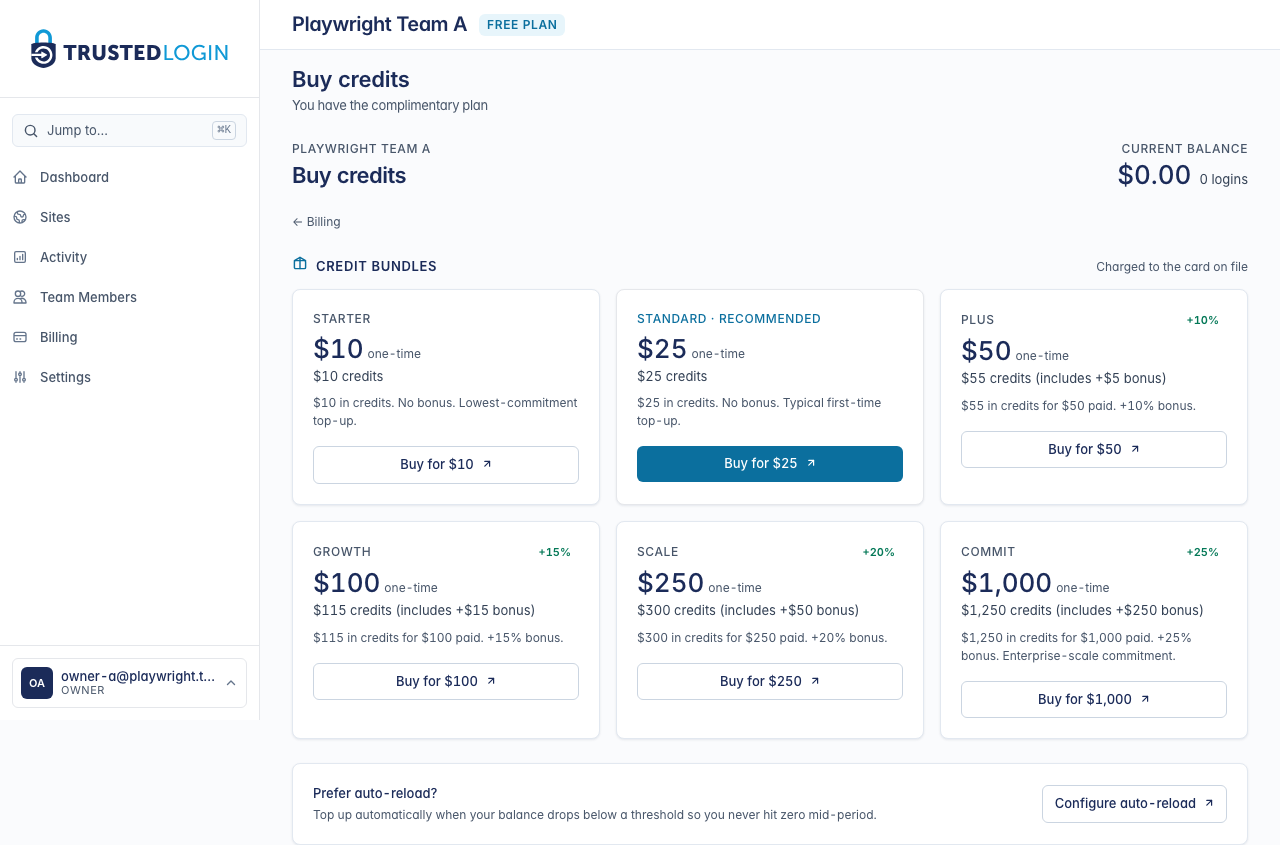
If you're currently over your plan's login cap, a yellow banner appears above the bundle grid: You're N logins over your cap this period. The number tells you exactly which bundle covers the overage with some headroom — usually the Standard ($25) bundle does the job.
4. Buy for $X → Stripe Checkout
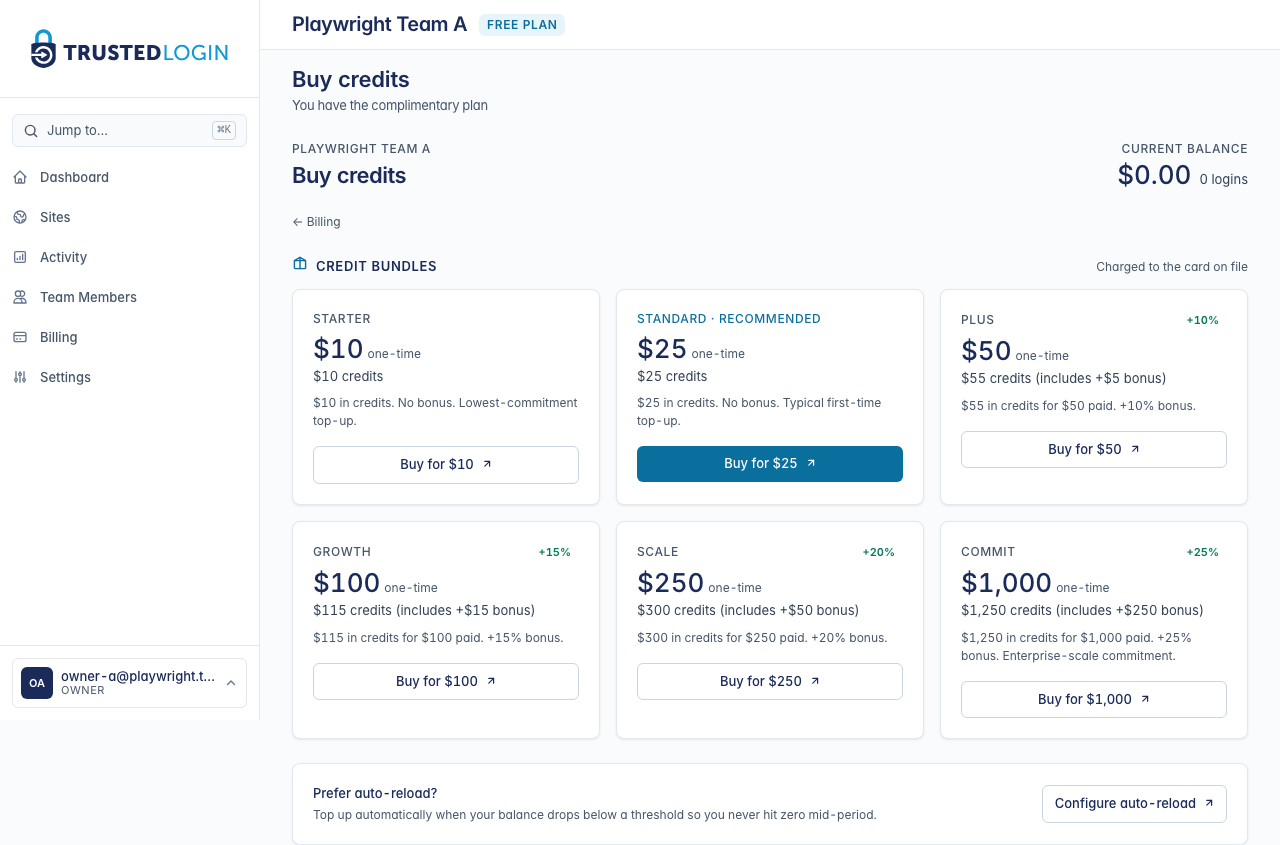
Clicking Buy for $X on any bundle card opens Stripe Checkout in the same tab. Use the card on file (or enter a new one) and confirm — Stripe handles the charge, we handle the credit.
On a successful payment you bounce back to TrustedLogin with a Credits on the way toast. Your balance updates within a few seconds of the Stripe webhook arriving. If you cancel Stripe Checkout instead, you're returned to the same page with a Checkout canceled toast and no charge.
5. Confirm the credits landed
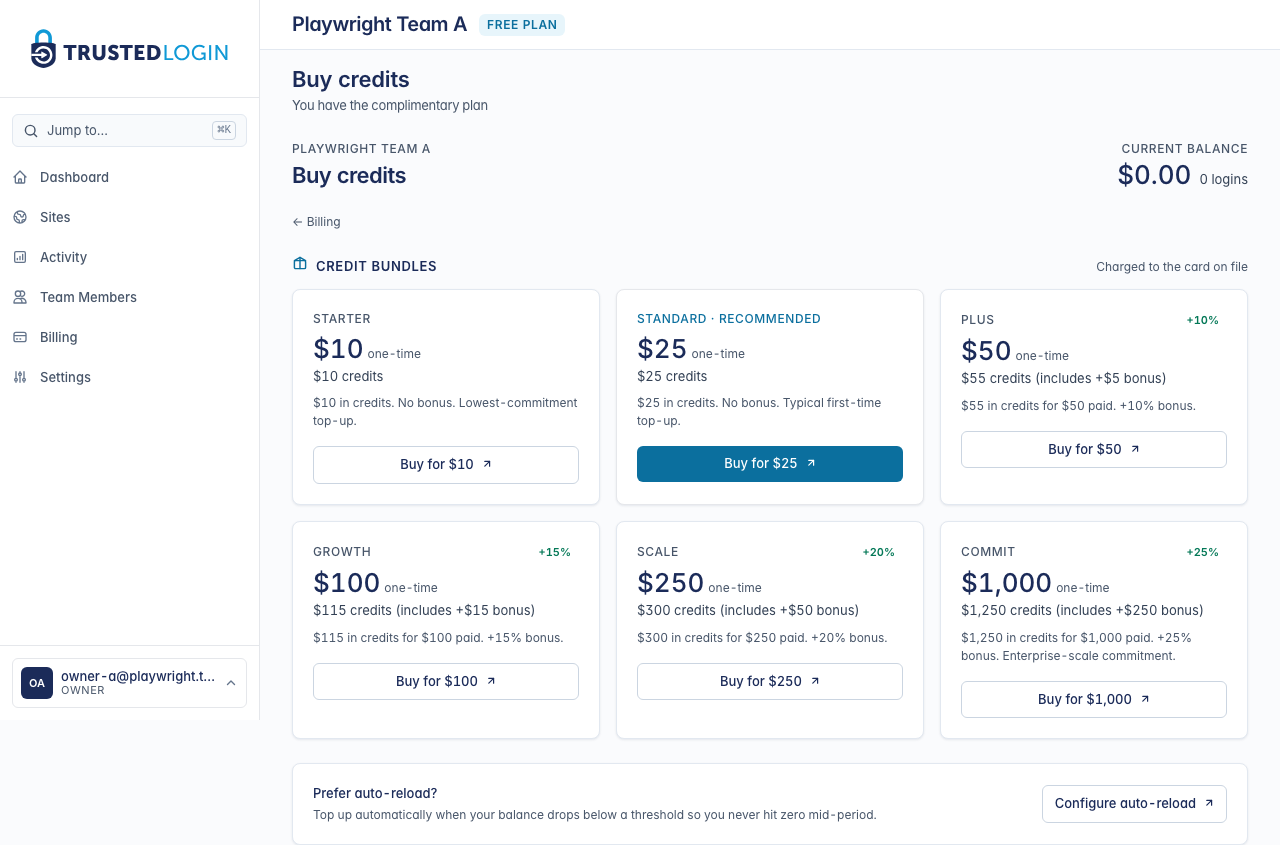
Back on the Billing page, your balance reflects the new total. Scroll to Subscription history to see the transaction — it includes the bundle name, the Stripe payment ID, and the timestamp. Stripe also emails a receipt to your billing address.
If you'd rather have this happen automatically from now on, set up auto-reload — same charge, same bundle, fired when your balance dips below a threshold you pick.
Which bundle should I buy?
Count your team's typical weekly login burn and multiply by four to six weeks. That's the bundle that keeps you from thinking about top-ups for a while without leaving money on the table. Smaller teams usually land on Standard ($25) or Plus ($50); larger teams buying ahead of a busy season often go straight to Growth ($100) or higher for the bonus credits.
Refund policy
Credit bundles are refundable inside 14 days as long as the credits haven't been spent. Contact support to request a refund.